Your cluster as a
living city.
KubeYard draws your Kubernetes cluster as a small city. Every namespace gets a plot, every workload a building and every pod a machine. Requests, restarts and failures show up as they happen. It only reads from the cluster, so it can't break anything.
Live demo, running right nowEarly beta. If you find a bug, please write to info@lixsl.net.
Read the city
Each part of the city stands for something in your cluster. This is what it all means.
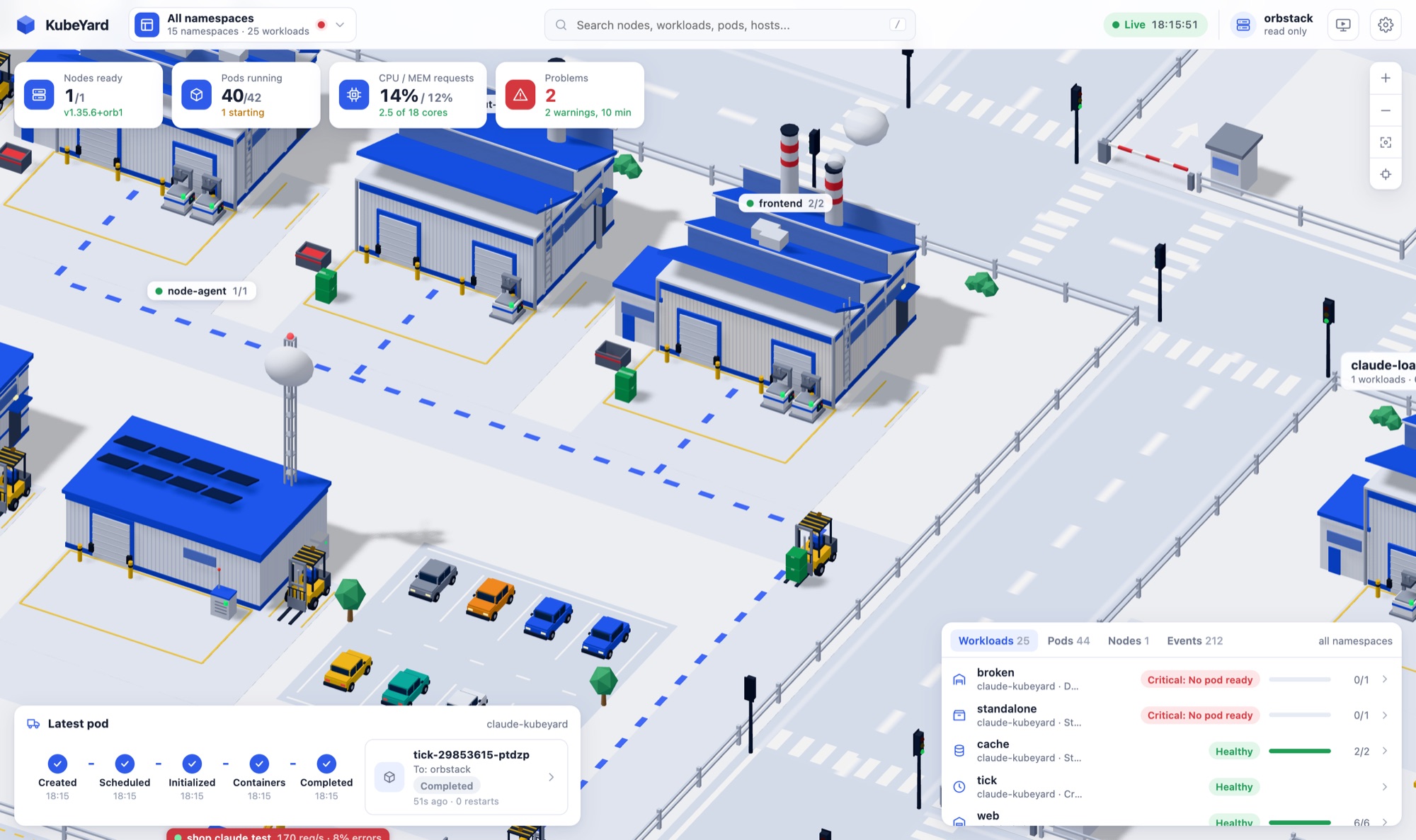
Halls and machines
Every workload has a hall, with one machine per pod in front of it. The machines produce boxes at the real request rate. A forklift brings them to the loader and trucks take them away. If a service can't keep up, the pile of boxes grows.
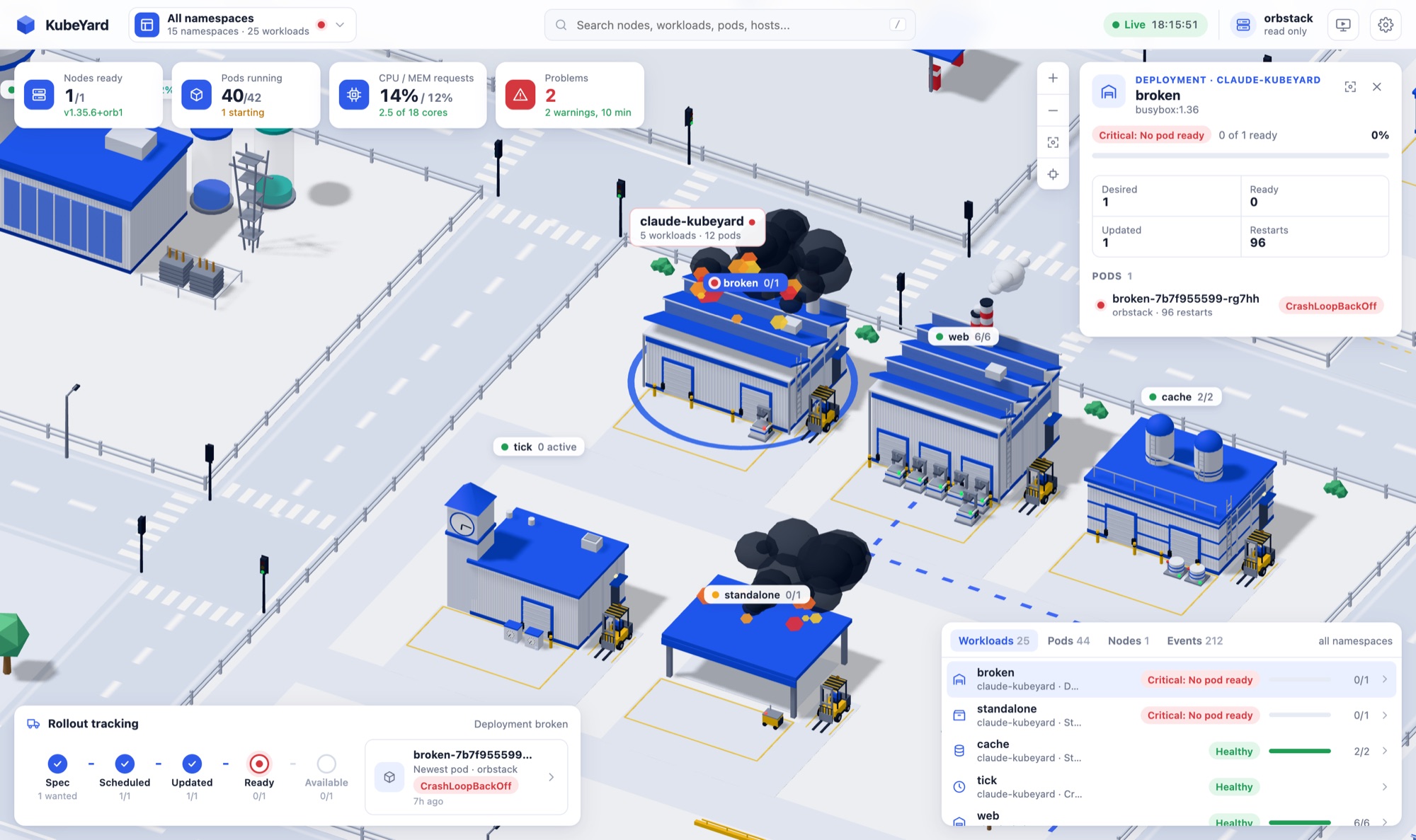
Trouble you can see
When a workload has no ready pod, its hall catches fire and the machines blink red. The side panel tells you why and shows where a rollout is stuck. A fire truck also drives over.
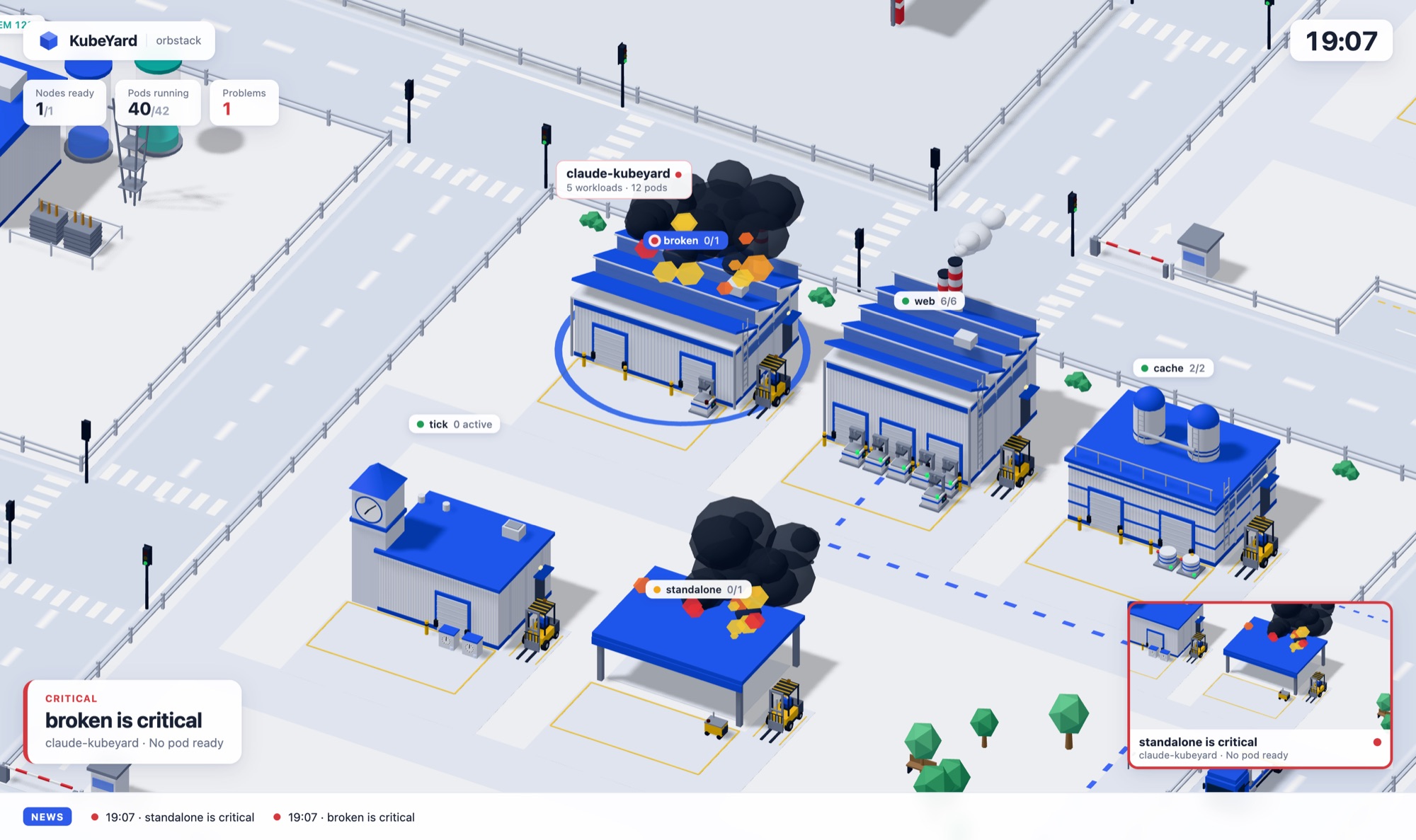
Kiosk mode for the wall
Made for a screen on the wall. The panels are hidden and the camera flies over the city by itself. When something breaks it goes there, other problems show up in small windows, and a news bar at the bottom lists what happened.
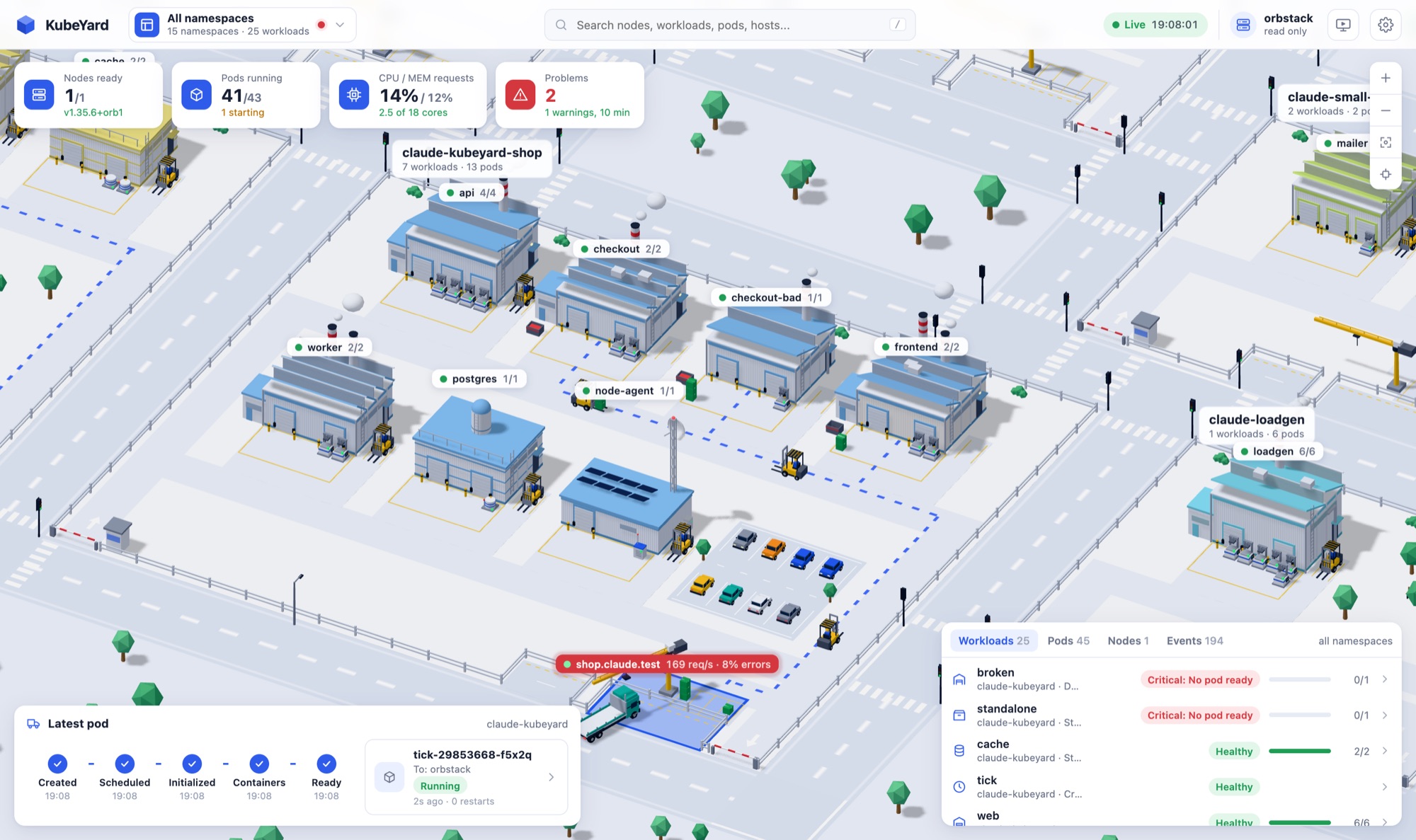
Your city, your look
Pick a light or dark theme, and blue halls or one color per namespace. The city can also follow your local time, with street lights at night.
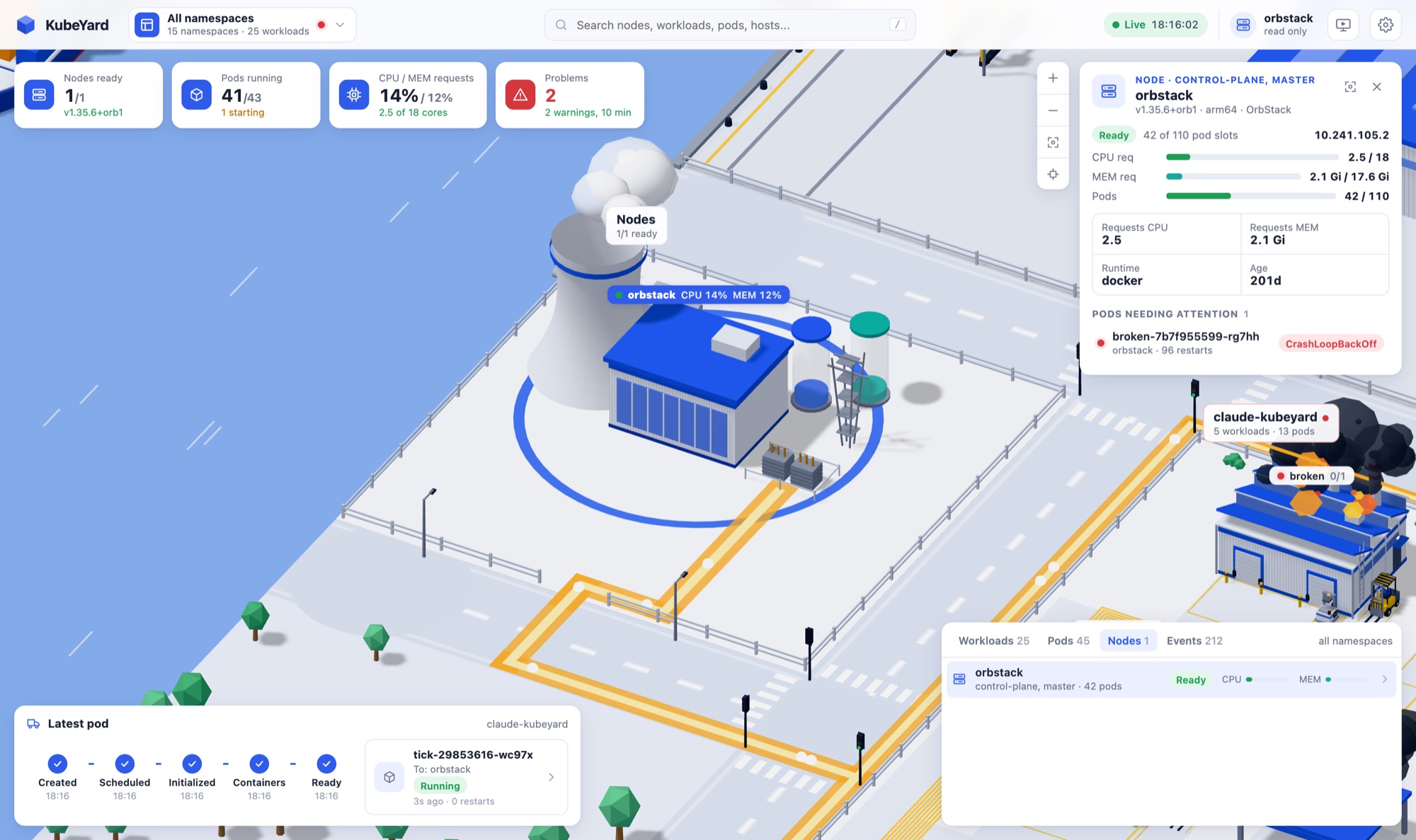
Power cables
Nodes are power plants next to the river. Click one and you see which pods run on it.
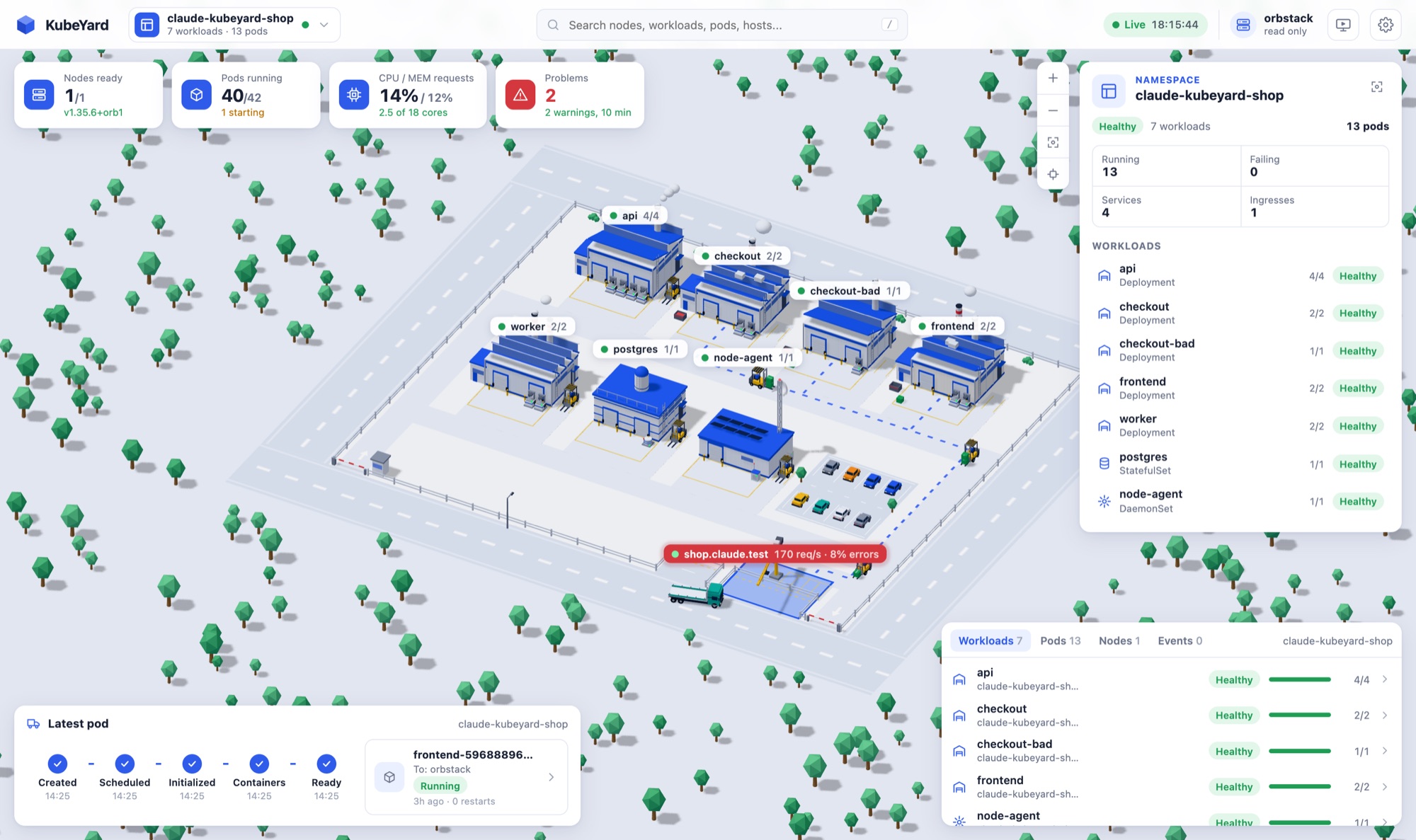
One namespace at a time
Select a namespace and everything else is hidden. You only see its plot and its traffic.
Read only, by design
KubeYard only reads from your cluster. Four separate checks make sure it stays that way.
Up in a minute
KubeYard runs as a single small pod and installs with Helm. You can also run it on your laptop with a short-lived read-only token.
# in the cluster
kubectl create namespace kubeyard
kubectl label namespace kubeyard pod-security.kubernetes.io/enforce=restricted
helm install kubeyard oci://registry-1.docker.io/lixsl/kubeyard-chart -n kubeyard
kubectl -n kubeyard port-forward svc/kubeyard 8011:80